Create your own Kāpiti Coast Art Trail adventure.
Add favourite artists from the Participating artists page by clicking on the heart icon in the top right-hand corner of each artist's image. A map to plan your route will appear below once you’ve selected artists.
When you’re ready, email yourself your favourites list and your personalised Google Map, so you can follow your trail on your phone.
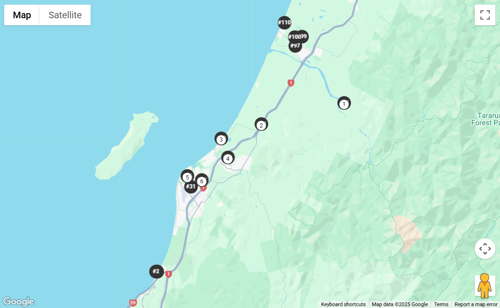
Click the black markers in the order you’d like to visit them to create a route in Google Maps. If markers are close together, zoom in to select them.
You can include up to 10 artists in one route. To change the order, click a numbered marker to remove it, then select again. To visit more than 10 artists, email your first route, then clear it and create another.
*You'll need to download the Google Maps app to follow on your phone.
You can create an account to save your favourites and email yourself your very own curated Art Trail list and route map, including the artist details and addresses.
Already have an account? Log in.
If you've forgotten your password, click forgot password on the Login screen and enter your email address. Check your inbox and click the link in the password recovery email, then click the link to change password details.
On My Favourites you'll see a map below your list with black dots showing your favourite artists' listing number – this is the same number as in the printed guide.